

Last Updated: October 24, 2026
Walk through almost any established small business and you’ll eventually find it. A door near the kitchen or behind reception, slightly warm to the touch, with a faint hum behind it. Inside is a server that was bought with good intentions, a tangle of cables that only one person ever understood, and a backup drive whose last successful run is a matter of faith. Everyone knows it’s there. Nobody wants to be the one to bring it up in a meeting.
I’ve come to think of the server closet as the office equivalent of the junk drawer: tolerated because it mostly works, dreaded because opening it means admitting how much is inside. That’s why so many companies that budget for an on-premise to cloud migration stall before they sign off on the project. People assume it begins with choosing a platform. In practice it begins with the far more awkward job of finding out what the box is actually doing.
Why on-prem lingers
The honest reasons are rarely technical. The server still turns on, so replacing it feels like spending money to fix something that isn’t broken. The accounting package or line-of-business app was installed years ago by a vendor who has since moved on, and nobody is sure it would survive the move. And there’s a quiet, understandable fear that touching anything will break the one thing everyone depends on at month-end.
There is also sunk cost dressed up as prudence. “We already paid for it” is a reasonable argument early in a server’s life. Much later, with the warranty long gone and the operating system approaching the end of its support, it becomes a way of postponing a decision rather than making one.
None of this makes the people involved foolish. It makes them busy. The closet survives because migration feels like a big, risky project with no deadline, and the daily work always has a deadline.
Where a migration actually starts
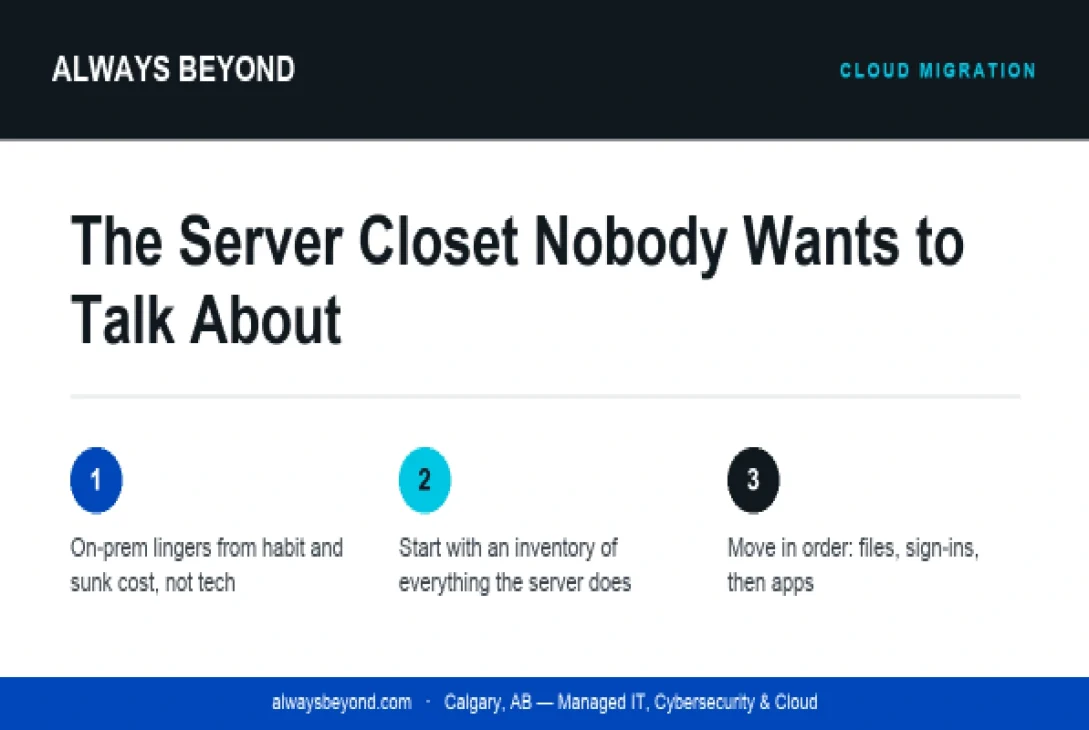
Not with a platform, and not with a quote. It starts with an inventory, and I mean a real one: every role the server plays, written down in plain language. File shares, obviously. But also the printer queue, the user logins, the scheduled task that emails a report every Monday, the licence server for the design software, the old database someone in finance still opens twice a year. Servers in small businesses accumulate jobs the way attics accumulate boxes.
Once you have that list, sort it. Some things move easily, such as documents and email, which already have obvious cloud homes. Some things need a conversation with a software vendor about whether they offer a hosted version. And some things, once named out loud, turn out to be unnecessary and can simply be retired. That third pile is usually more satisfying than people expect.
Then look at who uses what, and from where. A team that is in the office every day has different needs from one that works from job sites, home offices and client locations. Mapping that out tells you which pieces deserve to move first, because they’ll make the biggest difference to how people actually work.
Move in order, not all at once
The migrations that go badly are almost always the ones attempted in a single heroic weekend. The ones that go well tend to be boring. Files first, with a clean folder structure rather than a copy of the old mess. Then identity and sign-ins, so everyone uses one login protected by multi-factor authentication. Then the trickier applications, one at a time, each with a fallback plan. The server stays on through all of this, doing less and less, until the day someone notices it hasn’t been needed for a while.
That moment deserves planning too. Decommissioning is a step, not an afterthought. Confirm the data is somewhere safe, wipe the drives properly, and update whatever documentation exists so the next person doesn’t go hunting for a machine that is no longer there.
The first step is a conversation
If there’s a warm closet in your building, you don’t need a strategy deck to begin. You need an hour with whoever knows the server best and a blank page titled “Things this box does.” Fill it in honestly. By the end, you’ll know whether you’re looking at a weekend of tidying or a proper project, and either way you’ll finally be talking about the closet out loud.

 Welcome To Next Level Techie, For any queries you can contact us at :